 Broadcast Deck
 Broadcast Deck SRT · Mac
Encode once. Send everywhere.
Take SDI or HDMI from a DeckLink, UltraStudio or USB capture device, encode it once on Apple's hardware encoder and send it over SRT to every station that needs it. Play SRT back out to SDI in your house format. Run it all on a schedule.
A contribution encoder and decoder in one
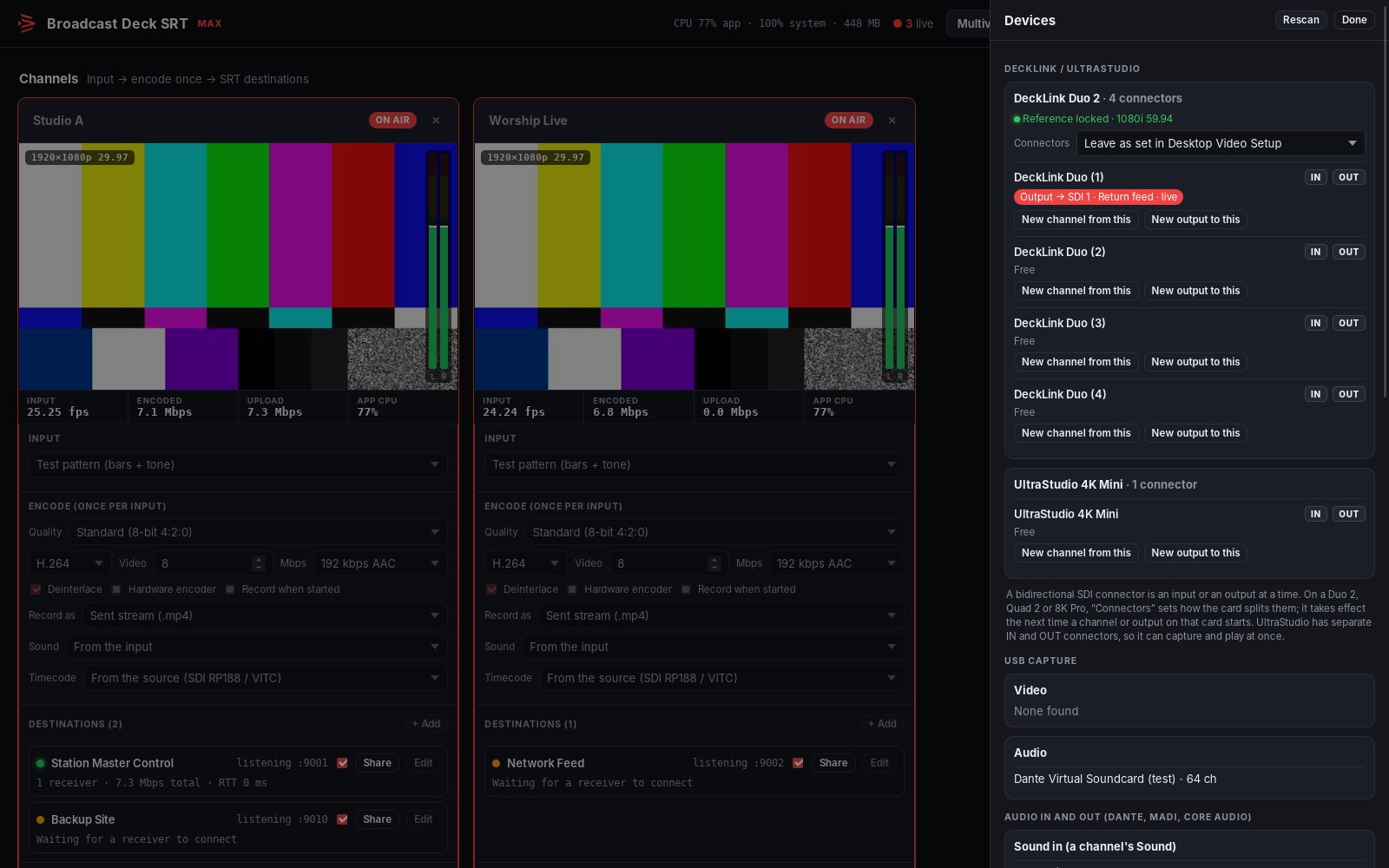
SDI, HDMI, USB and SRT
DeckLink and UltraStudio ports pinned by their fixed ID with the format detected, USB capture, a test pattern, or SRT by Listen or Call.
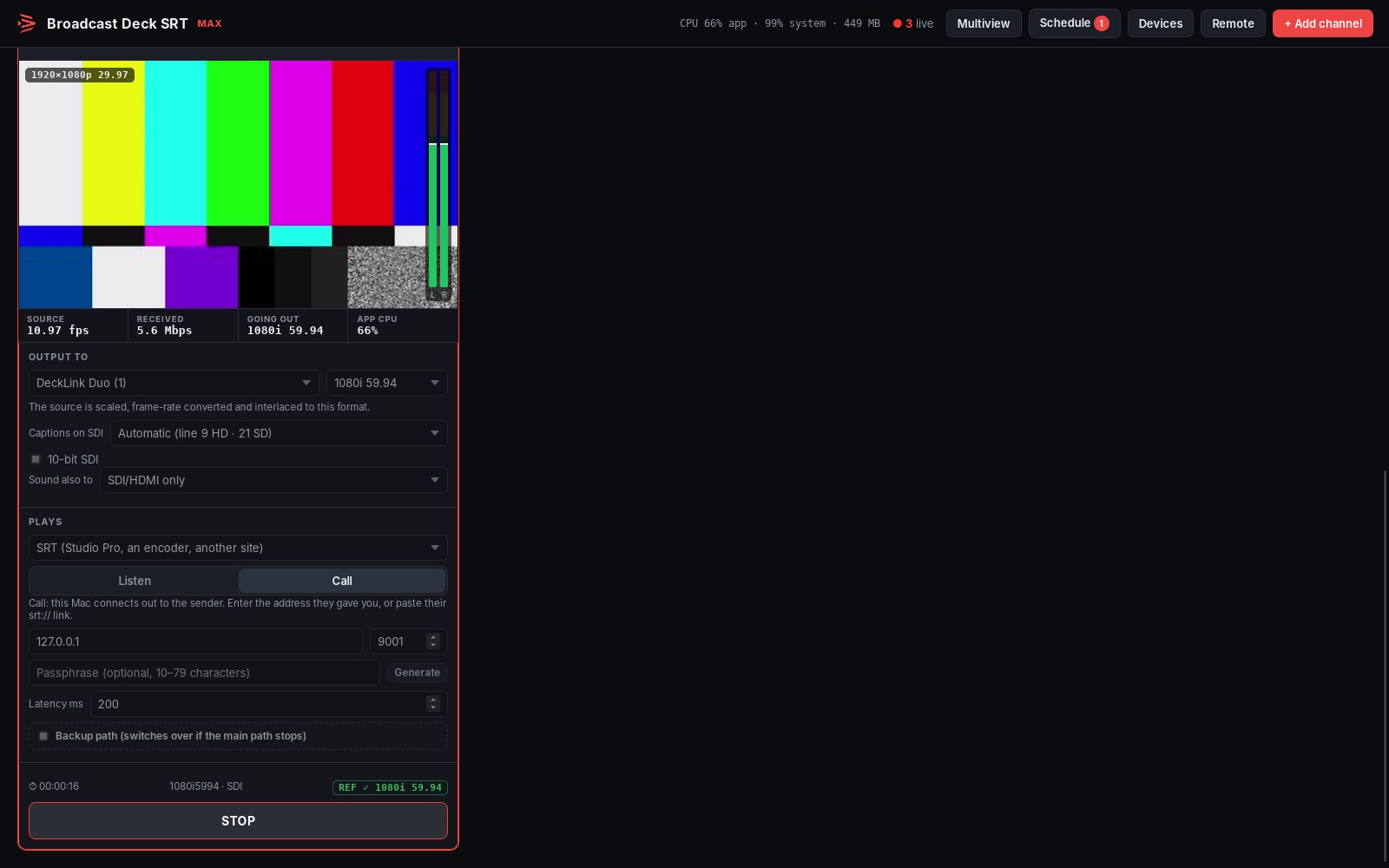
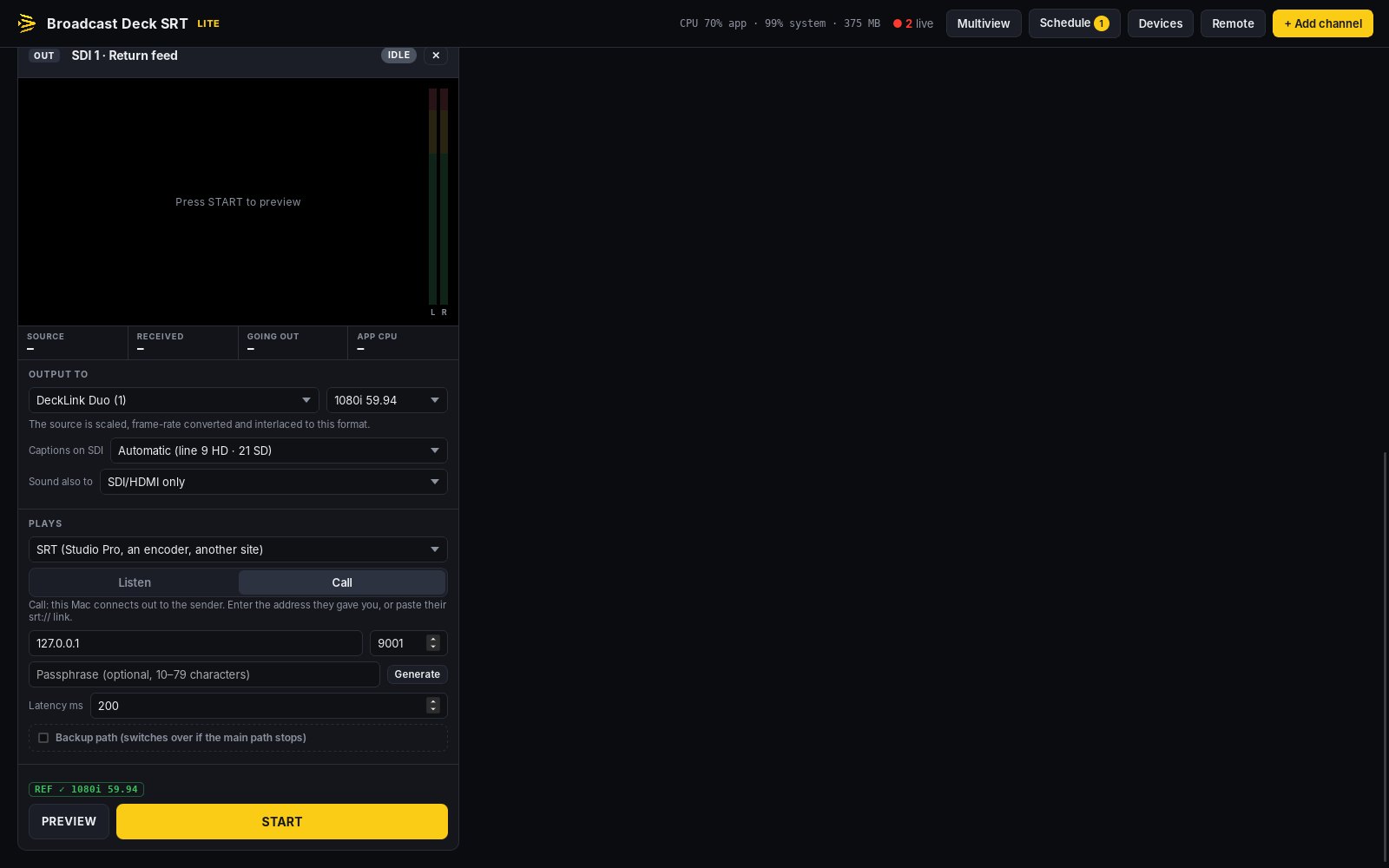
SRT back to SDI
Play a stream to a connector in your house format, scaled, frame-rate converted and interlaced. Or route a capture input, bars and tone, or the multiview.
One encode, many destinations
MPEG-TS over SRT to any number of receivers. Listen or Call, passphrase, stream ID and latency, each on or off while live.
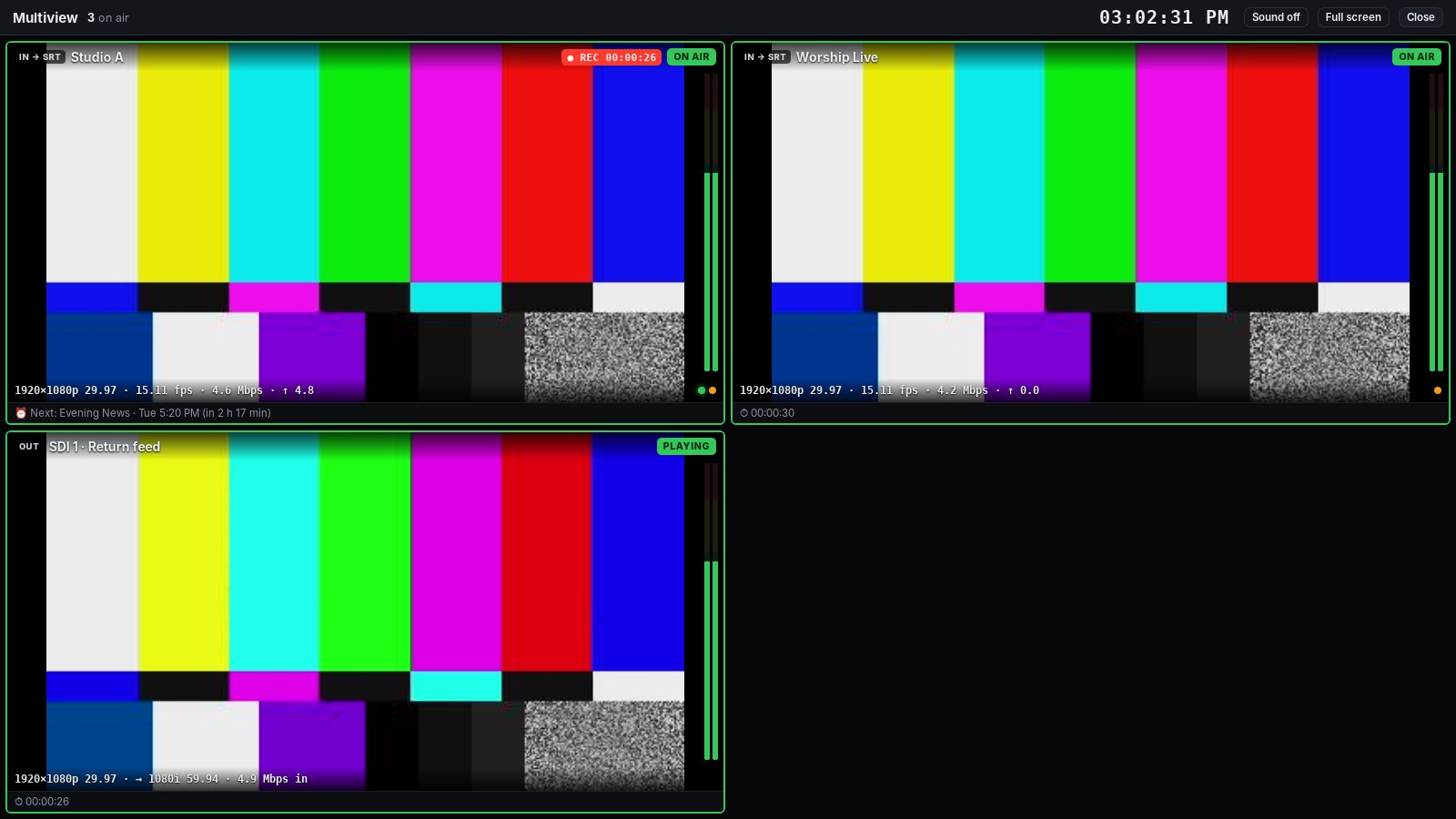
Monitoring on every tile
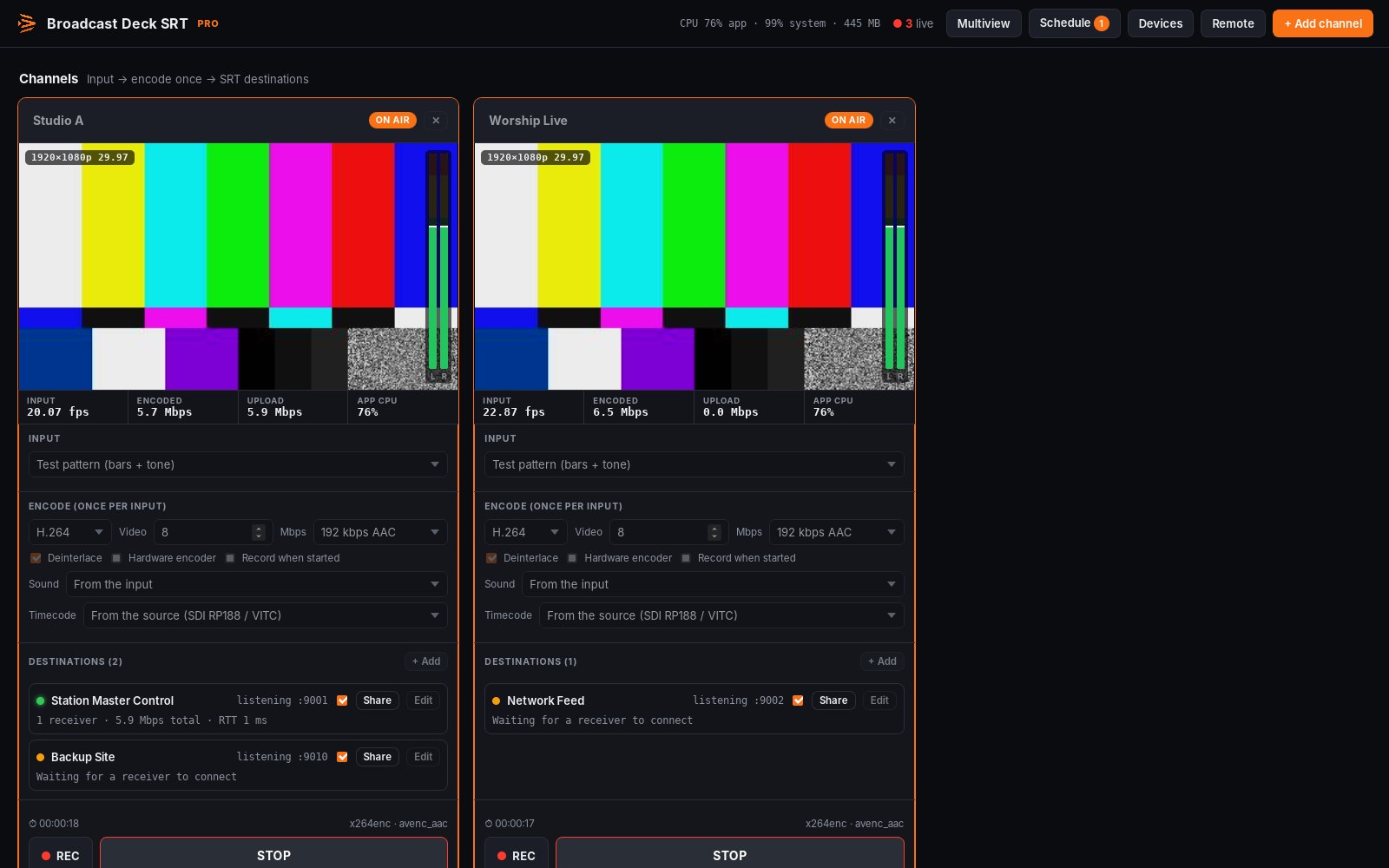
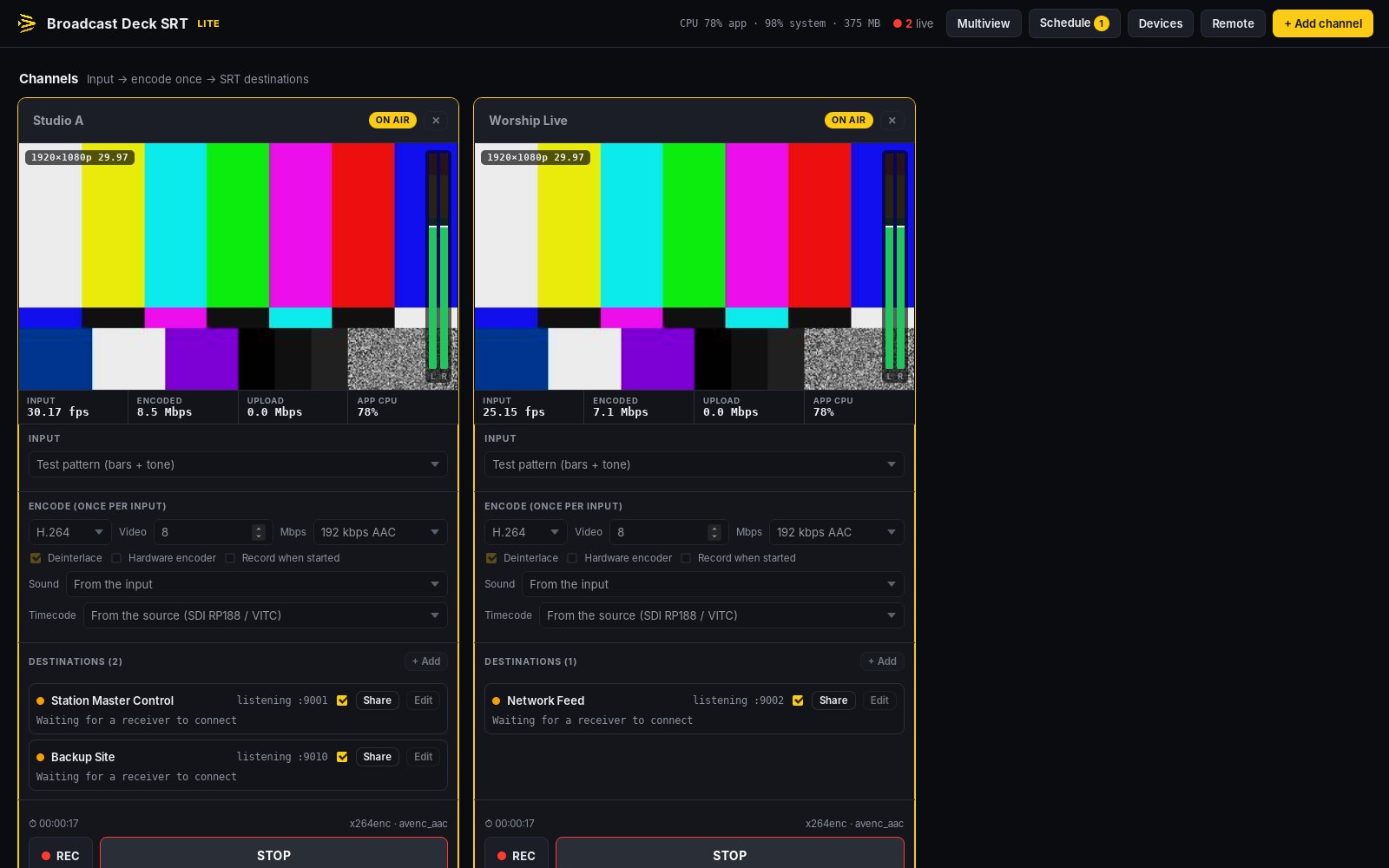
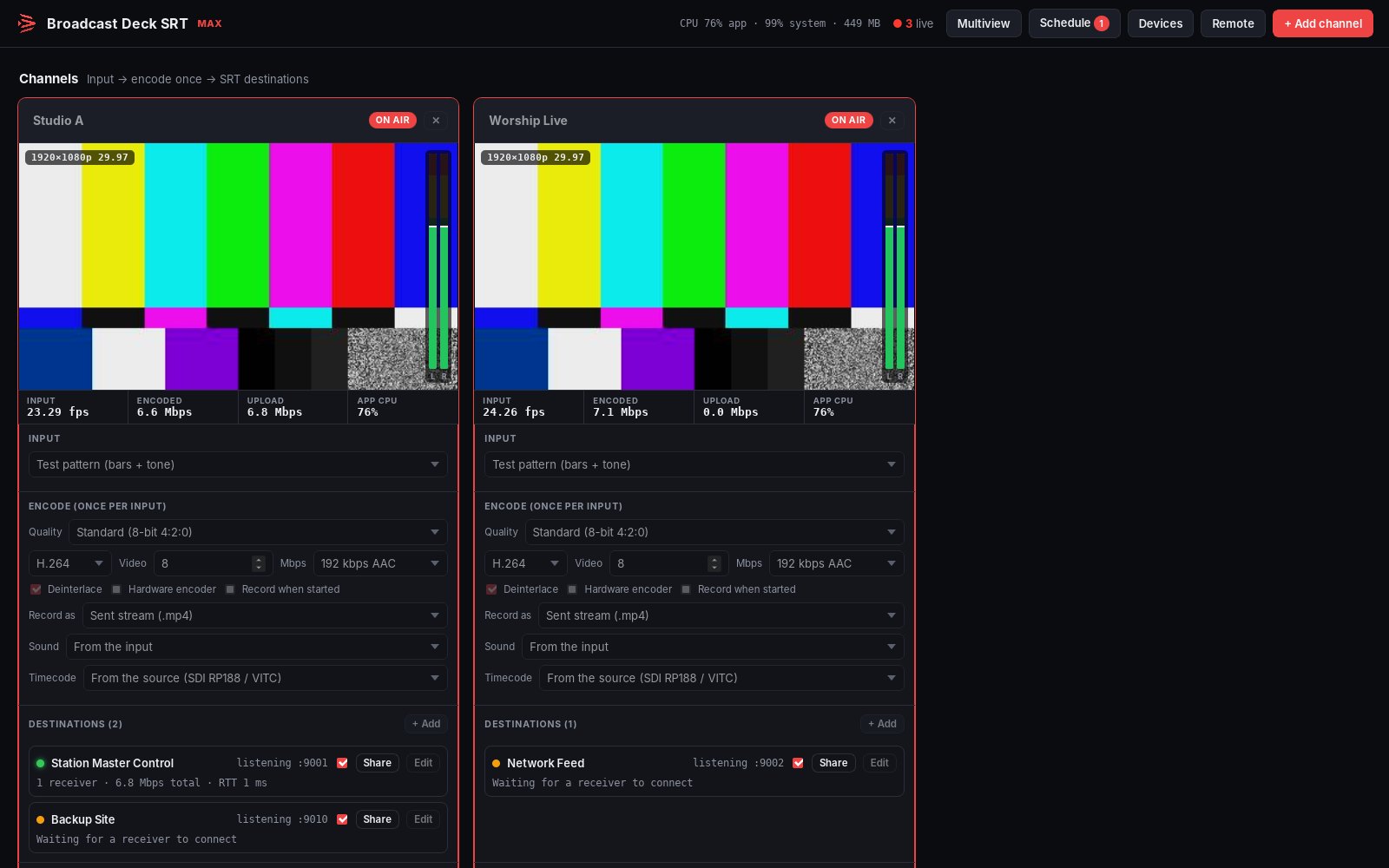
Confidence preview, peak meters, the real input format, encoded bitrate, upload and CPU. Receivers, round trip, loss and re-sends per destination.
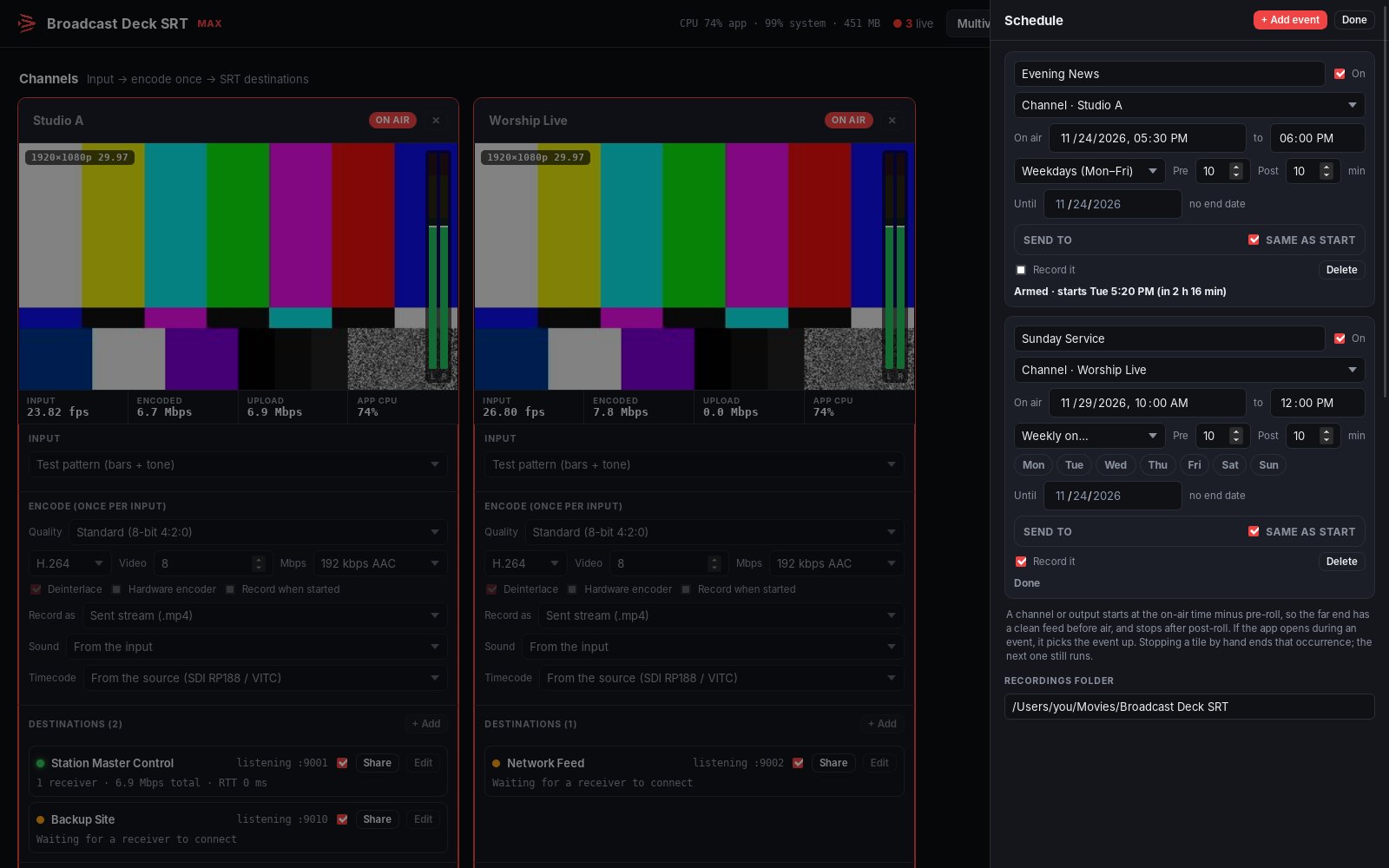
Shows that start themselves
Daily, weekday, weekly or monthly with pre-roll and post-roll, Extend 15 min and Stop now, and destinations per show.
Browser, API and Companion
The same screen from any browser, a REST API, and a Bitfocus Companion module with live colour feedback.
Lite, Pro and Max
Every edition includes everything in the edition below it. Limits match the cards people buy.

- SDI/HDMI in from DeckLink and UltraStudio, USB capture or SRT
- H.264 or HEVC on Apple's hardware encoder, sent to any number of SRT destinations
- SRT back out to SDI/HDMI in the house format
- Scheduler with daily, weekday, weekly and monthly shows
- Recording of the sent stream (.mp4)
- Multiview window and SDI/HDMI multiview out
- Browser remote, REST API, Companion
- Captions, timecode, genlock status, backup paths, failover
- Dante, MADI and Core Audio (channel pairs)

- Everything in Lite
- Dante, MADI and Core Audio: any device channel for left and right
- Everything in Pro, a full Quad 2 or 8K Pro
- Broadcast quality: 10-bit 4:2:2 HEVC on Apple's hardware encoder
- 10-bit SDI output
- ProRes 422 recording: Proxy, LT, 422, HQ
Edition comparison
| Feature | Lite | Pro | Max |
|---|---|---|---|
| Running at once (channels, outputs, recordings) | 2 | 4 | 8 |
| SDI/HDMI and SRT in, SRT out, SDI/HDMI out | Yes | Yes | Yes |
| H.264 and HEVC | Yes | Yes | Yes |
| Dante / MADI / Core Audio in and out | Channel pairs | Any channels | Any channels |
| Scheduler, recording of the sent stream | Yes | Yes | Yes |
| Multiview, remote control, Companion | Yes | Yes | Yes |
| Captions, timecode, genlock status, redundancy | Yes | Yes | Yes |
| Broadcast quality (10-bit 4:2:2 HEVC) | No | No | Yes |
| 10-bit SDI output | No | No | Yes |
| ProRes 422 recording | No | No | Yes |
The details stations check for
CEA-608/708, end to end
Read from SDI VANC or an SRT sender, carried in the stream and written back to SDI on a chosen line, each caption exactly once through rate conversion and interlacing.
From the source or time of day
RP188/VITC or the sender's timecode, carried in Picture Timing SEI and in the app's own SEI so it survives Apple's encoder, and written to SDI on outputs.
Reference status per card
Outputs lock to house reference through Desktop Video; the app shows lock status and warns when an output's format family doesn't match.
Backup paths and failover
Every destination can send a second path. Inputs and outputs switch to a backup within half a second and return once the main is steady for three.
Lite in yellow, Pro in orange, Max in red
Taken from a demo setup with test pattern sources. Click any screen to see it full size.